




Baxterbet App
Full casino access from a phone starts with the Baxterbet app, an installable progressive web app that loads through Chrome or Safari. Our lobby and wallet keep the same structure on every screen size, so account management stays familiar after a switch from the computer. Installation finishes in under a minute and takes a small amount of device storage.



Mobile Experience
The touch-first layout marks the main difference between our mobile build and the desktop site. Buttons scale to thumb reach, and game tiles load in a single column that keeps scrolling smooth on smaller displays. Every category in the Baxter Bet lobby carries the same filters as the full site, and more than 6,000 titles from providers such as Pragmatic Play and Evolution run in the same session as on a computer. The online slots you follow at Baxterbet Casino stay in your favorites list across both formats.
Session tools are one tap away inside the mobile casino. Deposits and withdrawal requests open from the wallet icon of the Baxterbet app, and responsible gaming limits appear in the same menu. Push notifications announce fresh promotions the moment we publish them. Our live chat window opens over the game screen, so a round continues while an agent replies.
Best Use Cases for Mobile
Short bursts of play favor the phone. A five-minute wait in a queue leaves room for a few crash rounds, and the home screen icon of the Baxterbet app opens the lobby in about two seconds. Timed rewards also land better here because the alert and the claim button share one device. Players at Baxterbet Casino reach for their handset most often in the scenarios below.
| Scenario | Why the phone leads |
|---|---|
| Commuting or waiting | One tap on the home screen icon starts a session in seconds. |
| Claiming a timed promotion | Push alerts arrive on the same device that holds the claim button. |
| Checking a payout | Wallet history and payment status load on a single screen. |
| Live dealer rounds away from home | Portrait tables scale to the handset and use less data per round. |
Quick access is what ties these scenarios together, and the handset covers each of them from the same home screen icon. Balance and active offers travel with the Baxter Bet account, so even a two-minute session picks up exactly where the previous one ended.
Android Access
Android 8.0 or higher supports the Baxterbet app, and Chrome delivers the fastest result. Installation places a shortcut in the app drawer while the platform keeps running through the browser engine, which holds the storage footprint far below that of a standard download. Fresh versions arrive automatically at each launch.
- Open our website in Chrome and log in to your account.
- The three-dot menu beside the address bar opens the browser options.
- Select Add to Home screen and confirm the shortcut name.
- Our icon lands in the app drawer, ready for one-tap access.
Cached lobby layouts shorten every repeat launch on Android hardware. A stored session token carries returning players straight to the game grid after the first login. Evolution streams live tables at full quality over 4G on Baxterbet Casino, and the video resolution at Baxter Bet adapts to the connection speed to protect gameplay during weaker coverage.
Baxterbet iOS Performance
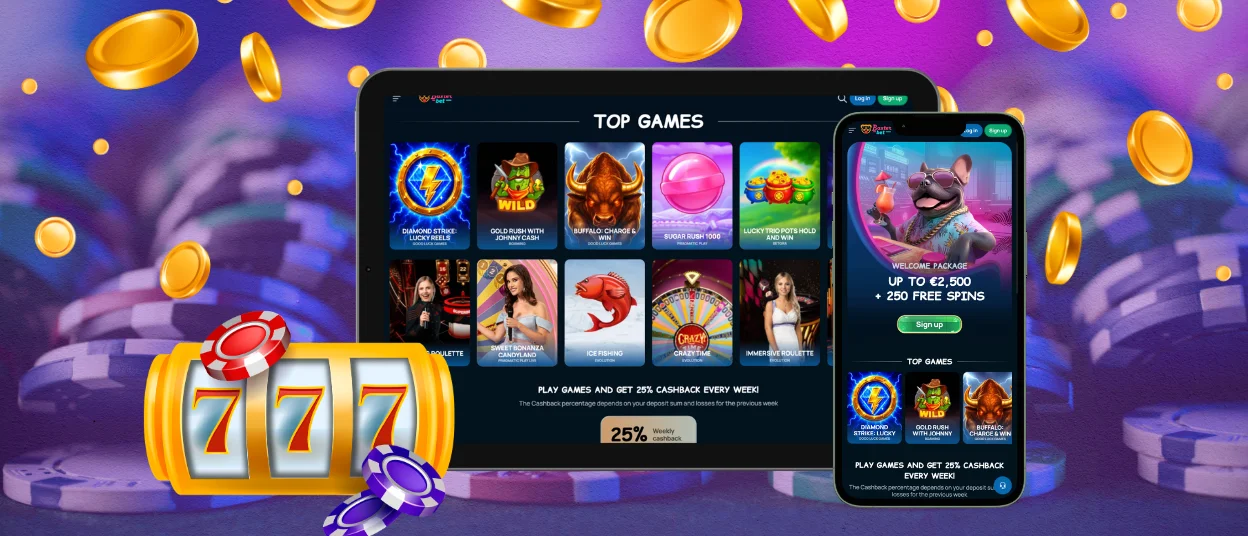
iPhone and iPad owners reach the identical build through Safari. Adding the page to the home screen creates a full-screen shortcut for the Baxterbet app that hides the browser bars and gives game tiles extra vertical space. Devices on iOS 14 and later handle the service worker cache that powers instant loading.
- Launch Safari and open baxter-bet.com.
- Tap the Share icon at the bottom of the screen.
- Add to Home Screen places our icon beside your native apps.
- Opening that icon starts a full-screen session with the browser bars hidden.
iPad screens shift the lobby into a two-column grid, and live dealer tables gain a wider betting panel. Portrait play remains available on both device families. Two-factor authentication guards each Baxterbet Casino account at login, and every session runs over an encrypted channel.
Desktop Optimization
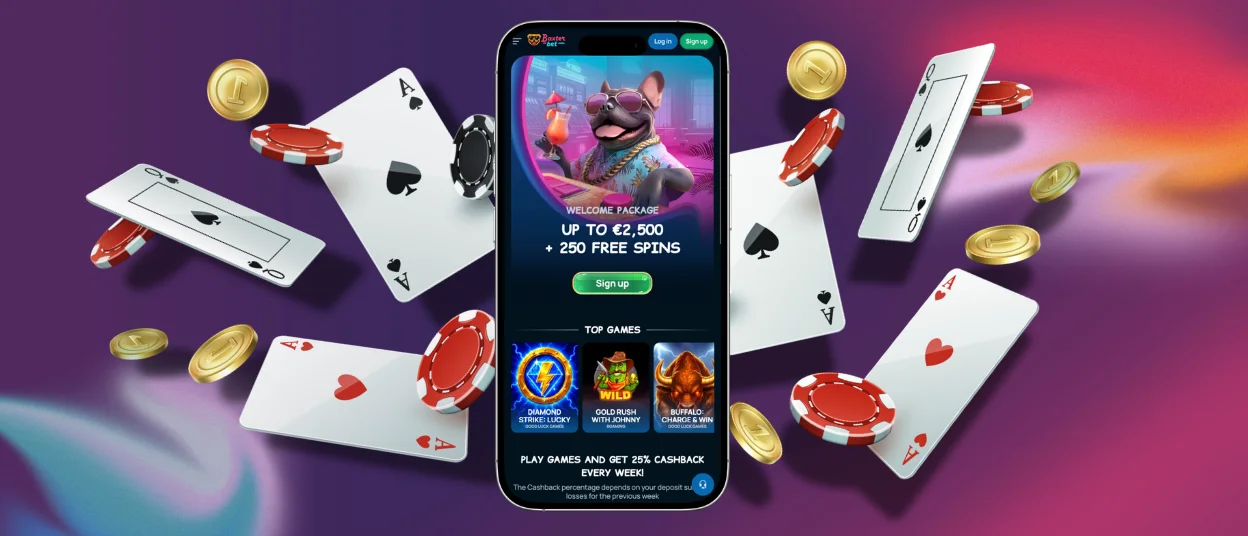
Windows 10 and macOS 11 run Baxterbet Casino straight from the browser, and the installation step is optional on both systems. A larger display fits more game tiles per row, which speeds up the search for a specific title. Live dealer streams gain from a wider viewport, and the side chat panel is visible next to the table.
Keyboard input suits the desktop for detailed tasks such as document uploads or long messages to our support team. Second monitors let Baxter Bet players keep a tournament leaderboard open beside the game window, and the Baxterbet app on a phone can serve as a companion screen during the same session.

Browser Access
Current versions of Chrome and Edge cover Windows machines. Safari serves macOS, and Firefox performs well across both systems. JavaScript remains active by default in each of them, which the Baxter Bet lobby requires for instant play. Games start from the tile itself, and demo mode opens for most slots before a real-money round begins.
Document uploads for the verification process run through the same browser window on any platform. The support team at Baxterbet Casino confirms each outcome by email and through live chat. Cookies keep the interface language in place between visits, and a private window offers a clean login for shared computers.
Baxterbet Synchronized Access
One account covers every supported device. Balance and bonus progress update on our servers rather than on the handset, so a deposit made on a laptop appears in the Baxterbet app within the same second. Interrupted rounds resume from the point they stopped once the next login completes. The table below sets out the compatibility of each platform.
| Platform | Supported OS / version | Access method | Cross-device sync |
|---|---|---|---|
| Android | Android 8.0 or higher | Chrome, Add to Home screen | Balance and bonus progress refresh in real time |
| iOS | iOS 14 or later | Safari, Add to Home Screen | Active sessions resume on any signed-in device |
| Windows | Windows 10 or later | Chrome, Edge or Firefox browser | Wallet history matches the mobile record |
| macOS | macOS 11 or later | Safari, Chrome or Firefox browser | Loyalty points carry across every login |
A single record across devices also speeds up assistance. Managers at Baxter Bet see the same transaction list that appears on your screen, which shortens the path to a resolution. Free spins granted on desktop unlock on the phone at once, and wagering progress counts toward one total. This shared foundation keeps the gaming experience at Baxterbet Casino consistent from the first tap to the final payout.
Frequently Asked Questions
Are connections in the Baxterbet app encrypted?
Every session runs over TLS 1.3 with 256-bit AES encryption, which covers login credentials and payment data alike. Two-factor authentication adds a second checkpoint at sign-in, and card details pass through certified payment processors rather than through the servers of Baxterbet Casino. Automatic logout closes idle sessions on shared handsets.
Is the mobile game library the same as on desktop?
Yes, all 6,000-plus titles appear in both places. Slots, live dealer rooms and instant win games carry identical rules and identical bet ranges on each format. Provider studios build their releases in HTML5, which lets one file run on a phone screen and on a monitor. New titles reach the Baxterbet Casino lobby at the same hour on every device.
Can I activate the Baxterbet welcome offer from my phone?
Registration, deposit and bonus activation are all complete inside the mobile casino in a few minutes. The offer is subject to a qualifying deposit from a minimum of €20, and free spins land in the eligible game once the wallet confirms the payment. Progress toward the wagering target appears in the promotions tab of the Baxter Bet account.


